Trash Bin
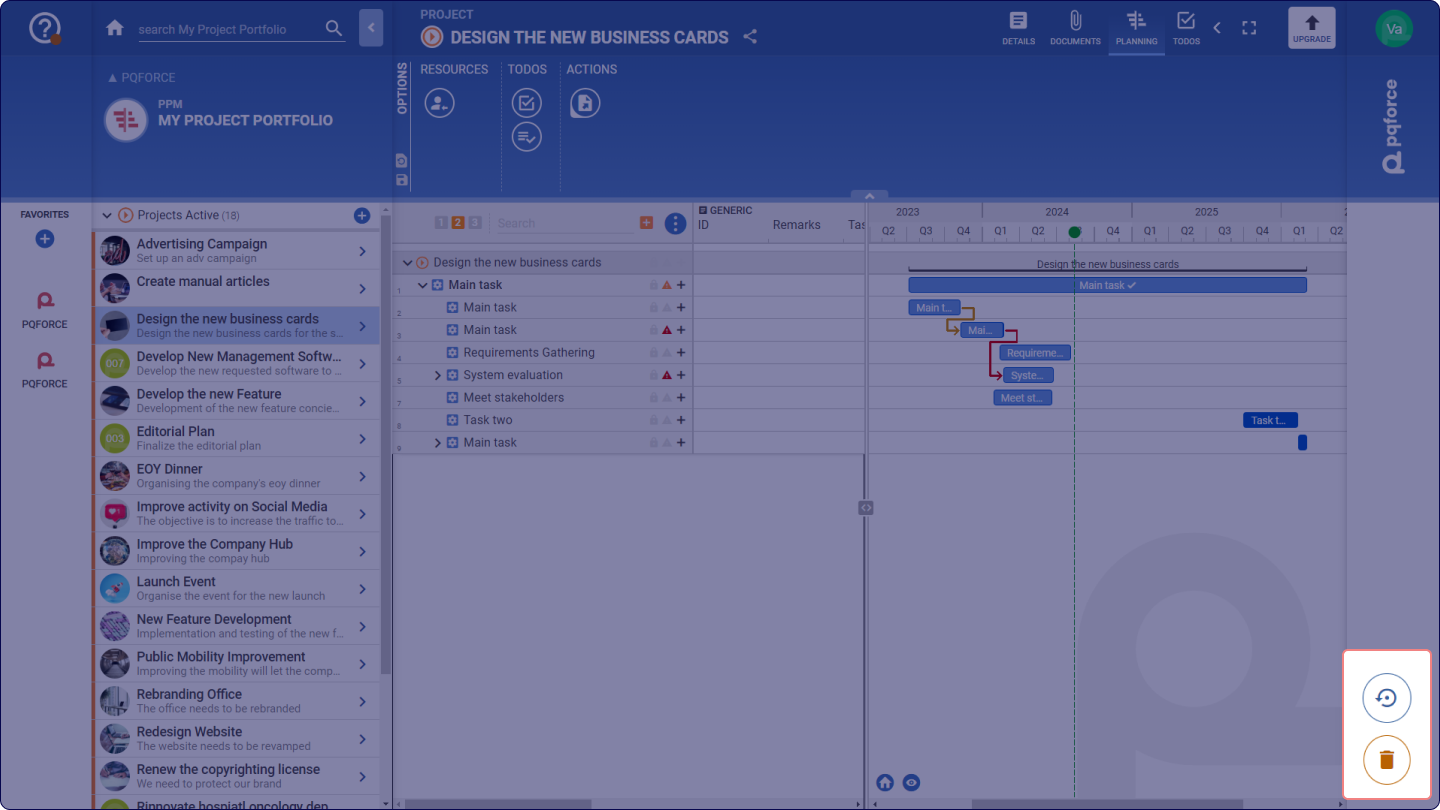
The Trash Bin is located at the bottom right area of the screen. Objects and other elements can be placed here using Drag & Drop to delete them. In most cases, confirmation is required to proceed with the deletion process.
Backup and Restore
This option allows to restore and backup the projects and resources. Resources can be restored only by admin users.
Restoring Deleted Projects
The deleted element can be restored within 30 days after its cancellation.
It can be done by opening the bin and selecting an object that should be restored from the list of all deleted elements. It is possible to confirm an element restoration by clicking OK in the pop-up window.
Creating a backup of a project
The project can be backed up by dragging and dropping it into the round arrow icon  . This action will save the project file on the computer in a zip folder format.
Restoring the backed-up project
The backed-up project can be restored by dragging and dropping the zip folder from the computer, where it has been previously saved, into the circle-shaped arrow icon. The zip folder with the saved project must not be modified or decompressed.
The creation of a backup of the current project is recommended before deleting it in PQFORCE. The backup with the previous status can then be dragged and dropped onto the circular arrow symbol and unpacked.
Restoring deleted Resources
Administrators can restore deleted resources by clicking the Trash Bin icon  , selecting the resource to restore, and it will be brought back into the system.