Details
The Details view contains general information about the team and allows managing its information.
Workspace
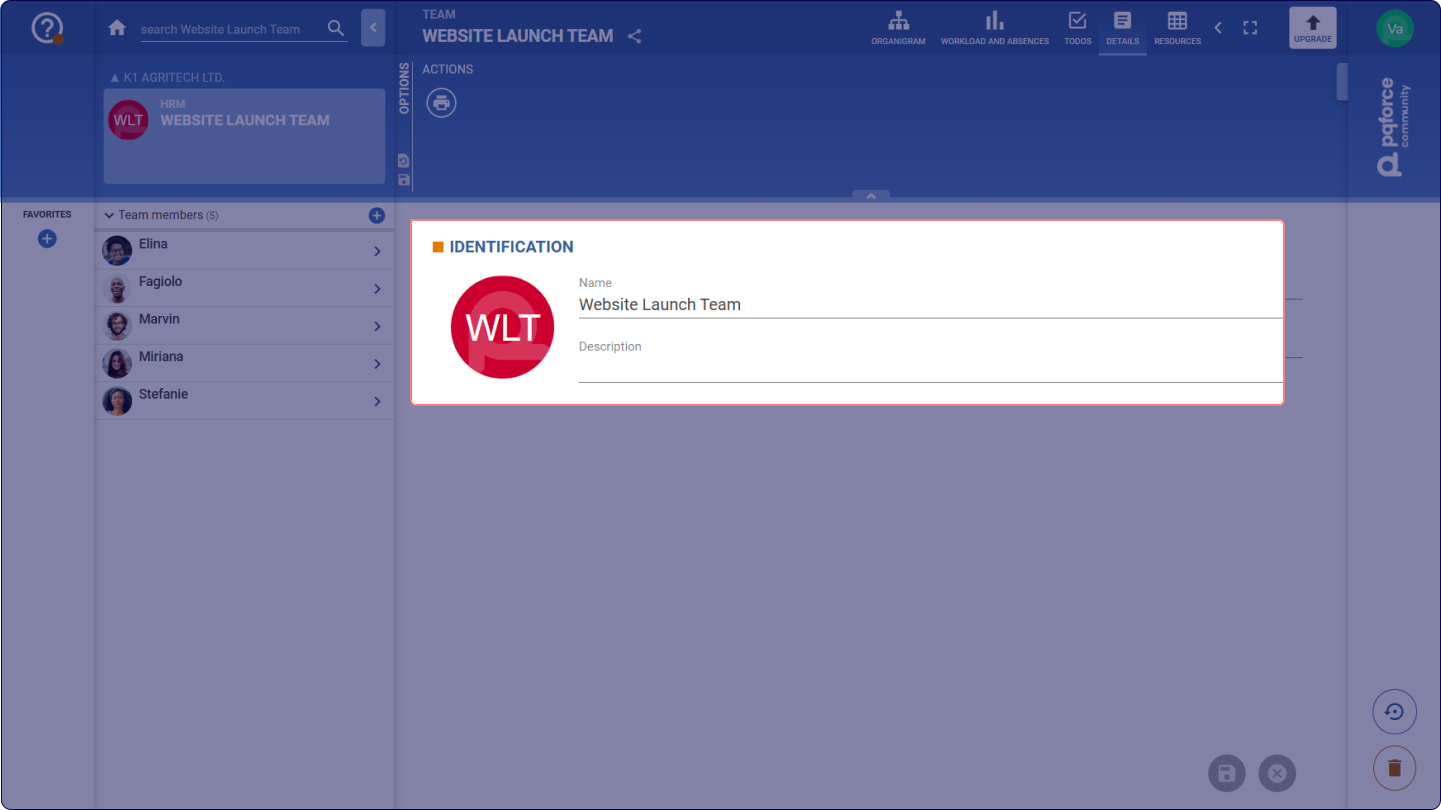
1 IDENTIFICATION
In this section, the identification characteristics of the active team are entered.
-
Image: The image serves as a visual identifier of the Team. An image can simply be dropped here via drag & drop. Alternatively, an image can also be copied and then pasted here by clicking on the circle and then pressing the key combination CTRL+V. To restore the default icon, the current image can be removed by dragging and dropping it onto the Trash Bin
![]() .
-
Name: This is the name of the Team. It is used to distinguish the different teams.
-
Description: The description is a rich text field and can therefore be used to enter any detailed description for the selected Team.
 .