Project Portfolio
The view of this section may vary depending on your PQFORCE edition. Within PQFORCE SMART, the view visible in this section will be the Project List. In editions higher than PQFORCE SMART the view will present the list of Main project portfolios. This section functionalities may vary depending on your PQFORCE edition.
My Project Portfolio
The project list is a container that collects all the created projects.
It provides a concise overview of the collective projects within the system, presenting their primary information aggregated at the project level.
Project Portfolio
A project portfolio is a container with projects. Project portfolios are used to structure and sort the project landscape.
Any number of project portfolios can be created and a portfolio can contain any number of projects.
PQFORCE does not prescribe any particular structure, because fundamentally there is no best approach to structuring the project landscape. The organization of the project landscape varies from company to company and is determined by internal project governance.
The added value generated in PQFORCE by portfolios are the various customizable overviews that can be generated at the portfolio level for all projects contained in it. With a few clicks, you can find consolidated data and information on a portfolio, which is automatically compiled in real time.
Navigator
The functionalities and availability of this section may vary depending on your PQFORCE edition.
![]()
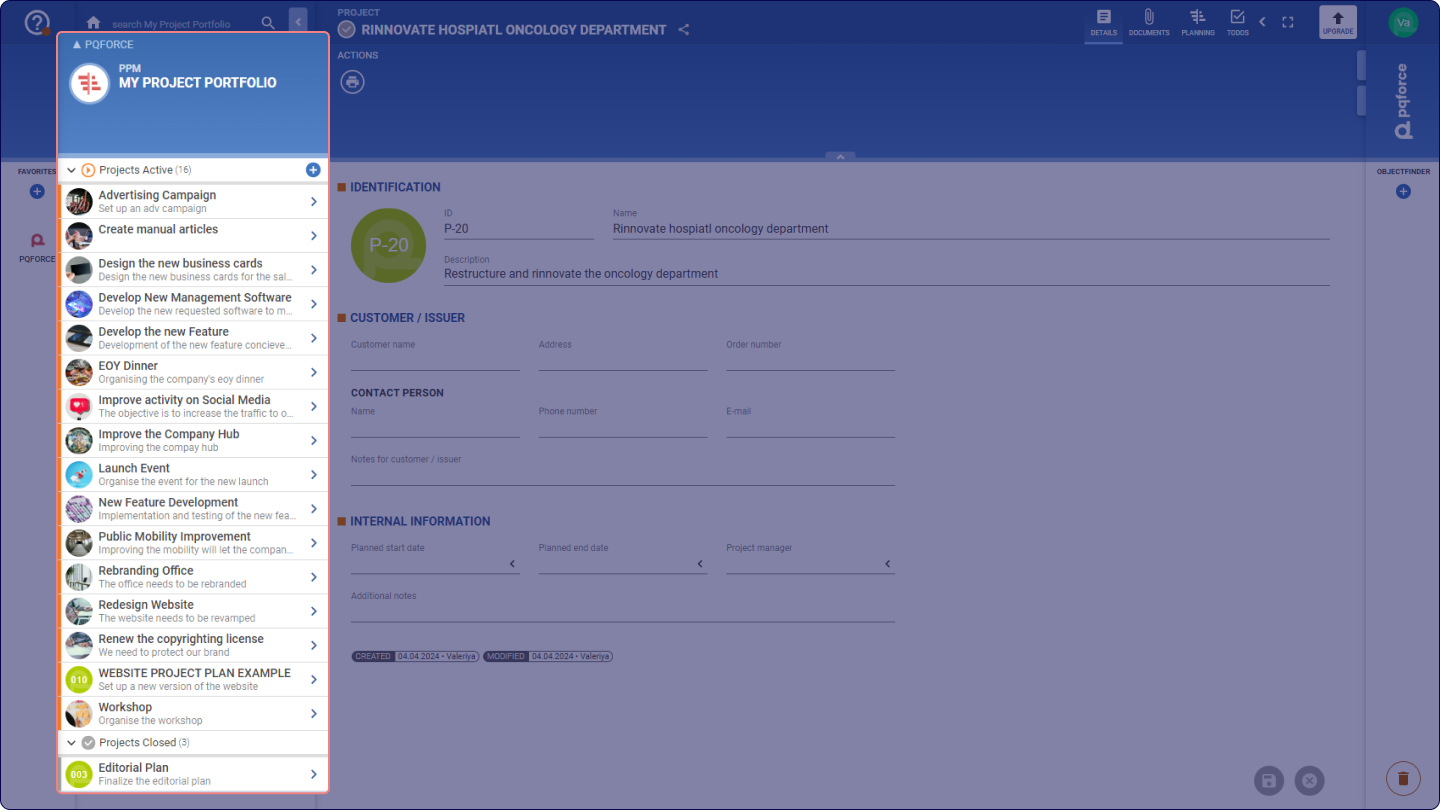
In the project list area, the following elements are displayed in the Navigator:
- Active projects: Lists projects that are active within the system. By clicking on the plus icon, a new project can be created.
- Archived projects: Lists projects that are currently inactive within the system. An archived project is preserved for data retrieval, when necessary, but it cannot be examined or worked on.
![]()
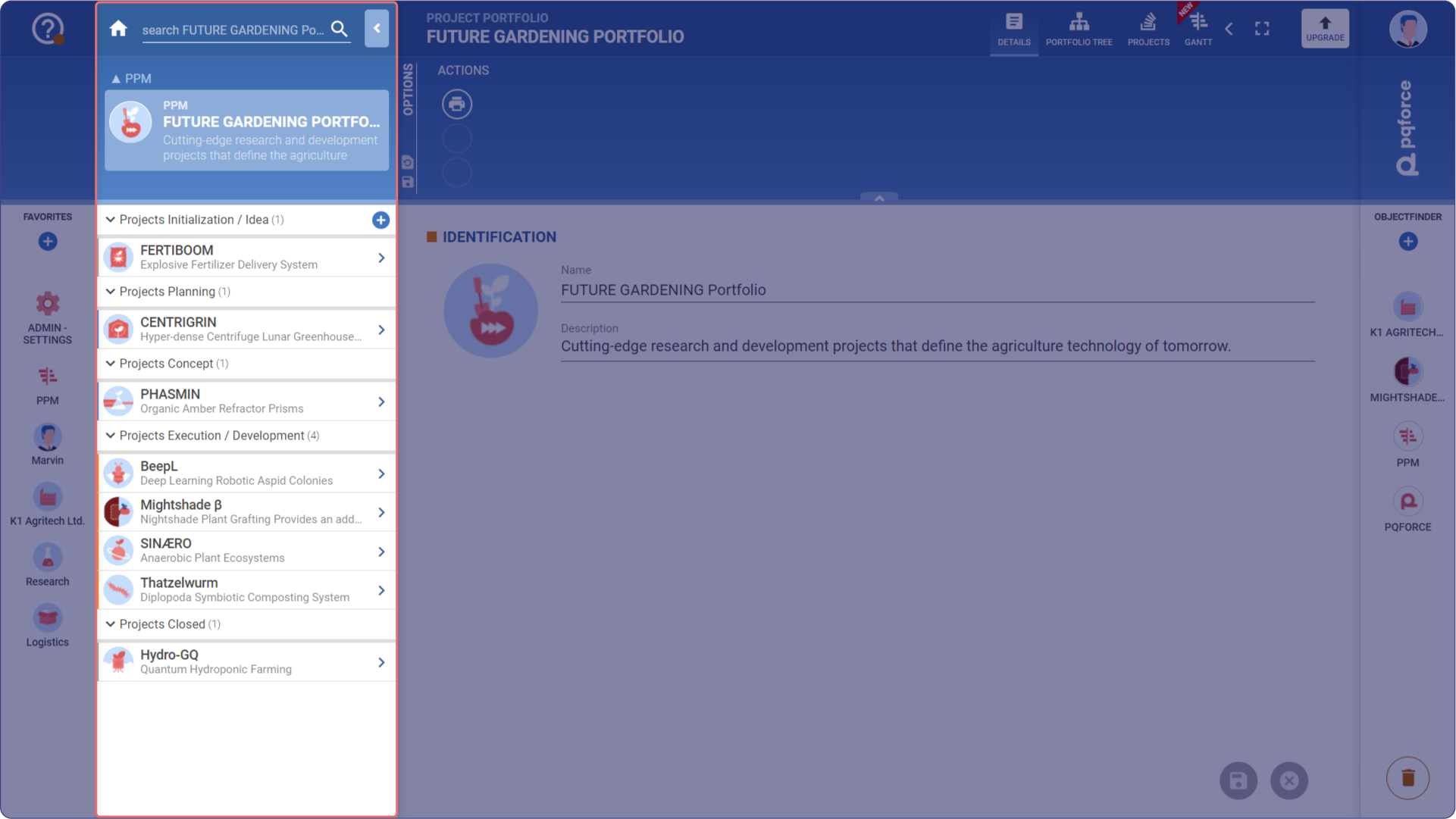
If the active object is a project portfolio, the following elements are displayed in the Navigator:
- Projects Initialization / Idea: Lists which projects in the Initialization / Idea state are contained in the active portfolio. By clicking on the plus icon, another project can be created in this state.
- Projects <State>: Lists which projects in the state <State> are contained in the active project portfolio.