Homepage
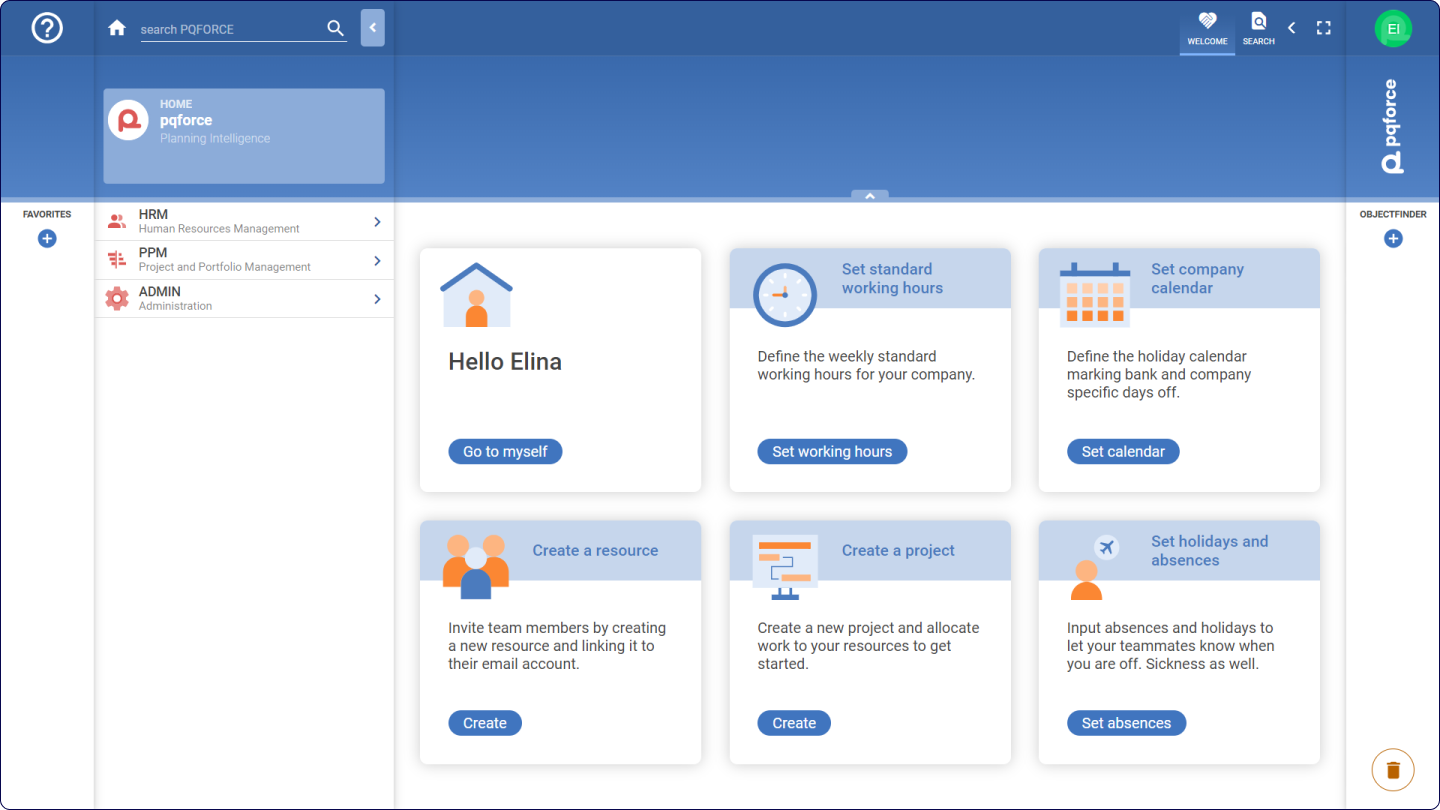
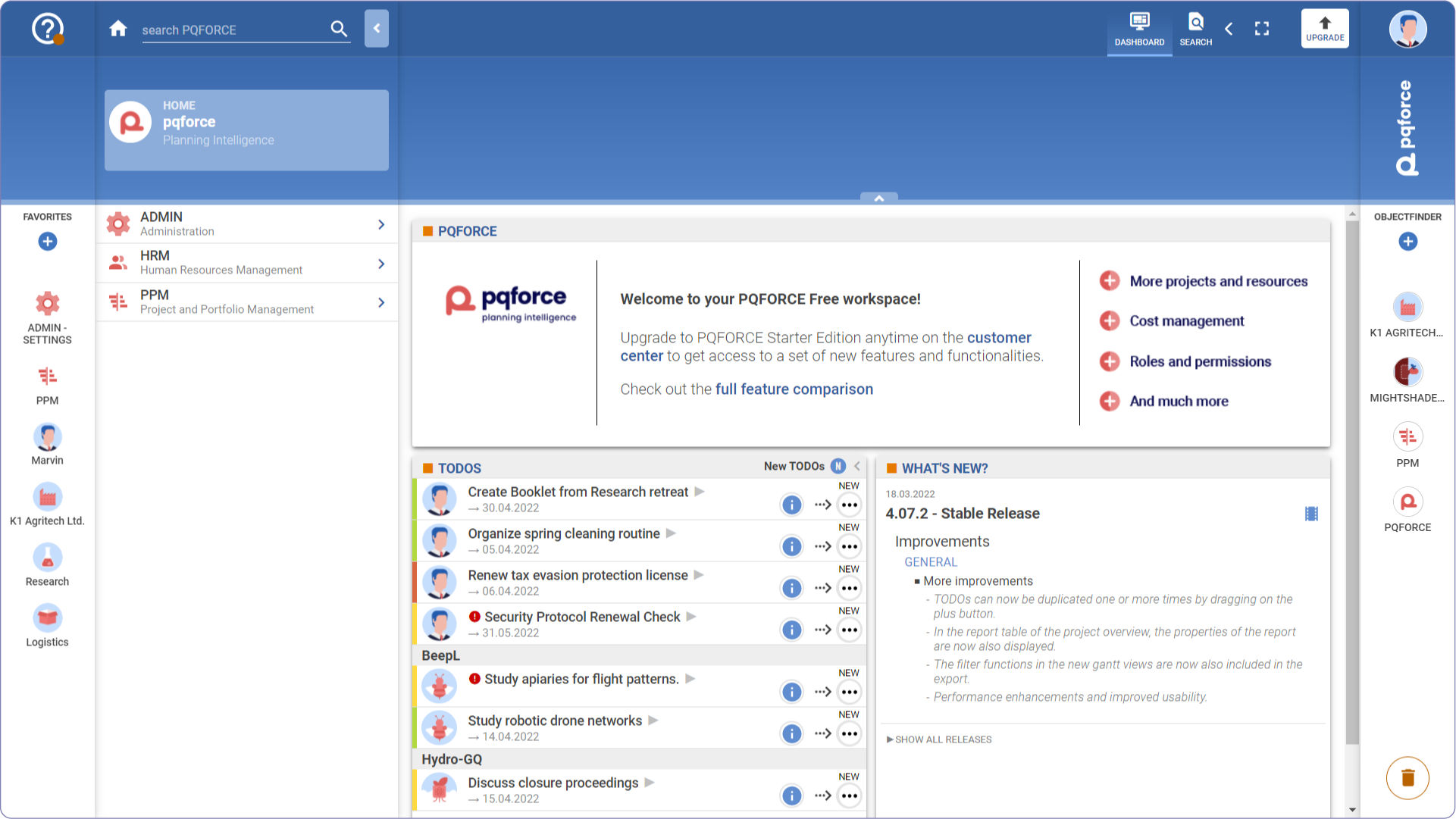
The home page is the first page displayed to the user after login. It contains user-specific shortcuts on how to move the first steps and the Advanced Search.
The interface of the home page may differ depending on PQFORCE edition.
Navigator
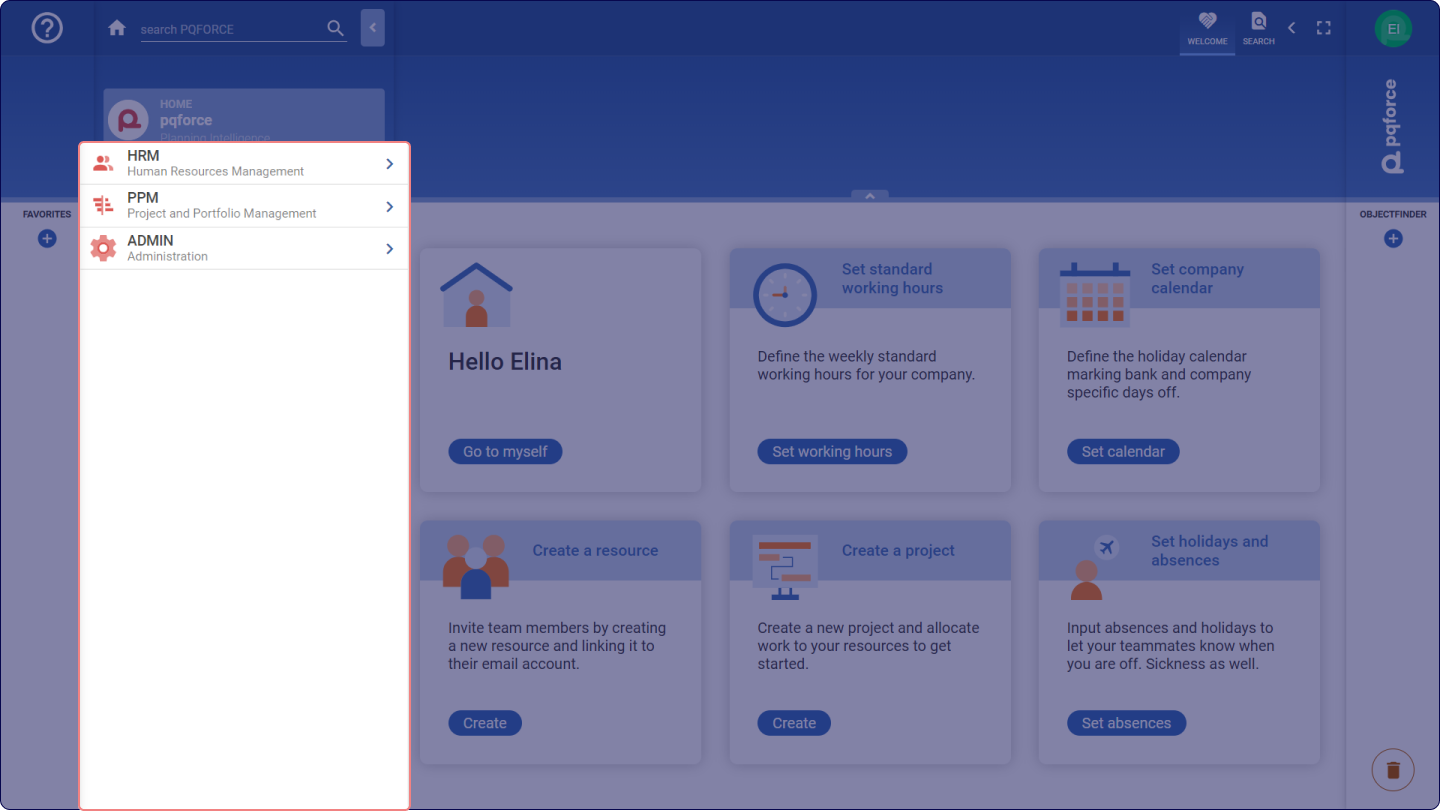
On the home page, the Navigator displays the following PQFORCE modules:
-
HRM (Human Resources Management): This module is used to create and manage departments and employees. Furthermore, it provides options for managing working hours and absences as well as performance overviews.
-
PPM (Project and Portfolio Management): This module is used to create, plan and manage project portfolios and projects. Furthermore, this module offers many possibilities for the evaluation and control of the project landscape.
-
ADMIN (Administration): This module contains system settings that are universally applied in PQFORCE.