Details
The Details view contains general information about the active project.
Workspace
IDENTIFICATION
In this section, the identification characteristics of the active project are entered.
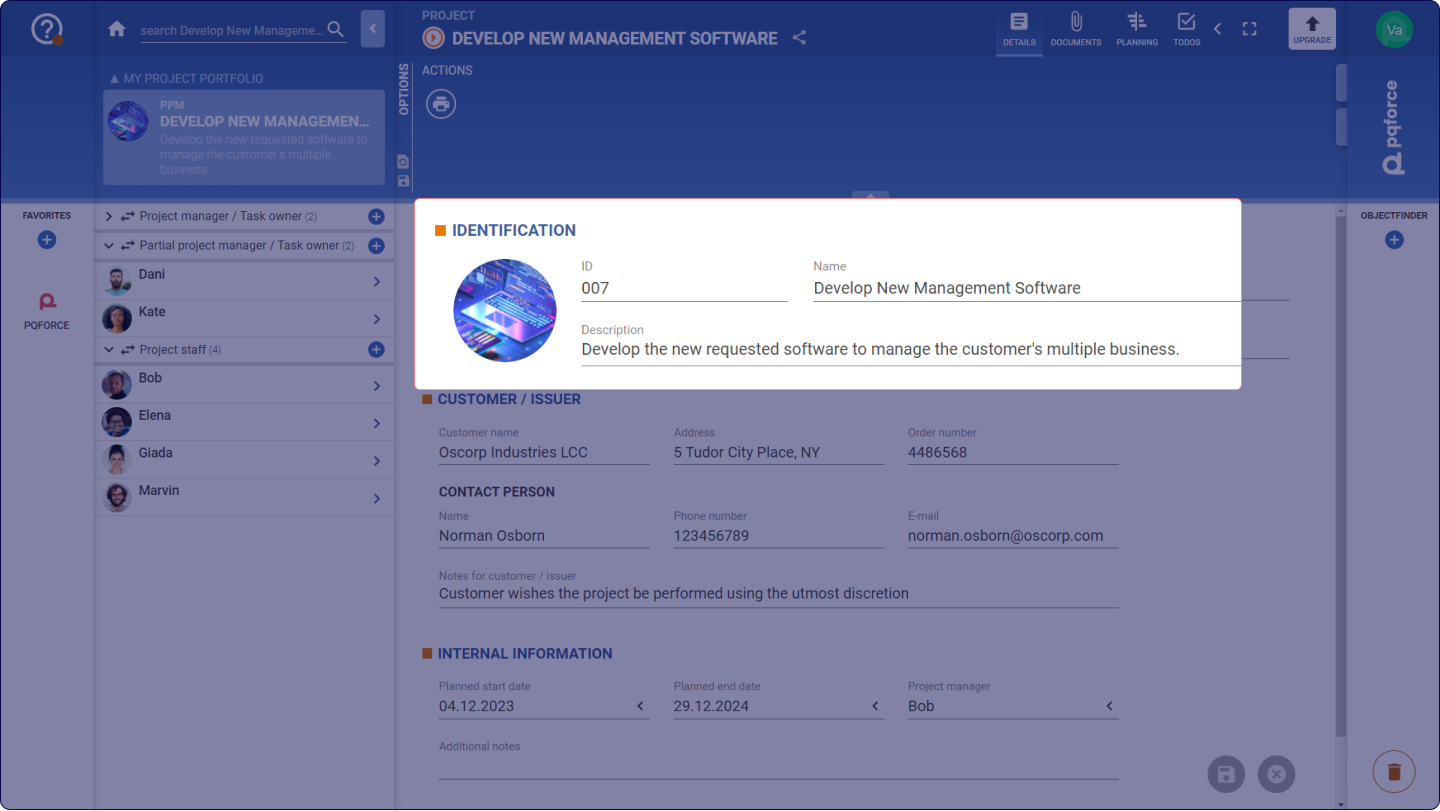
- Image: The image serves as a visual identifier of the project. An image can be dropped here via drag & drop. Alternatively, an image can also be copied and then pasted here by clicking on the circle and then pressing the CTRL+V key combination.
- ID: The ID is a sequence of characters that serves as an identification feature of the project. Each assigned ID can exist only once on projects in the system.
- Name: The name of the project is used to distinguish the different projects existing within the system.
- Description: The description is a rich text field and can thus be used to enter any detailed description for the project.
CUSTOMER / ISSUER
In this section, characteristics of the client or customer of the active project can be stored.
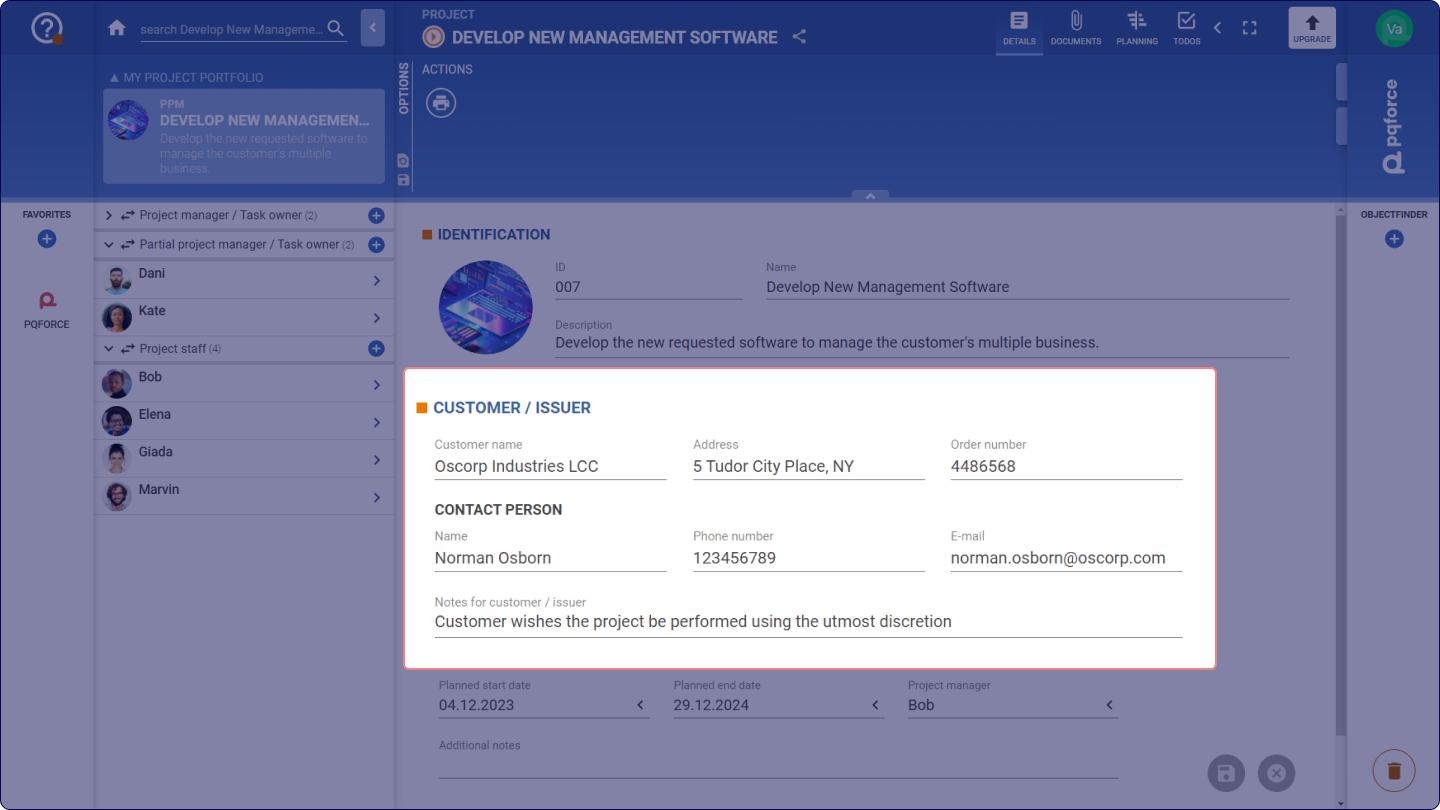
- The text fields Customer name, Address and Order number can be used to record the company placing the order for the project as well as the internal order number.
- Below that, in the CONTACT PERSON subsection, the Name, Phone number and Email text fields can be used to record the contact details of the person involved.
- The richtext field Notes on customer / client can be used to record comments and further details.
INTERNAL INFORMATION
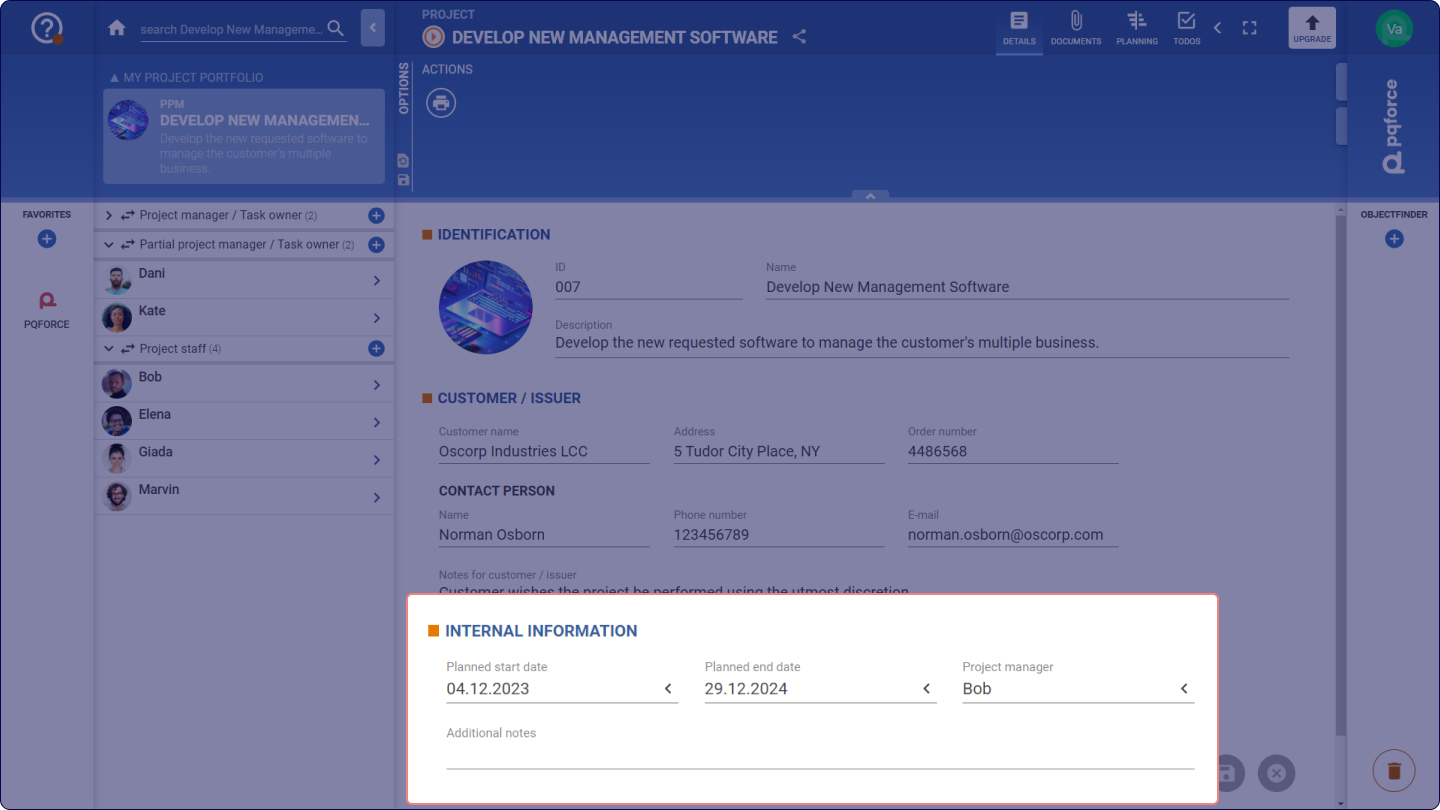
In this section, additional properties of the active project will be entered.
- The date fields Planned start date and Planned end date can be used to initially define the time frame for the active project. It should be noted that these values have no influence on the actual planning of the project, which is made in the PLANNING view.
- The Project manager selection field allows to select any employee registered in the system to serve as the project manager.
- It should be noted that no permissions are assigned through this field. To store a project manager who has permissions in the active project, in editions higher than PQFORCE Smart an employee must be entered in the Project manager / Task owner relation.
- The richtext field Further notes can be used to enter further information and comments about the project.
Options Area
The following section describes in detail which settings can be made in the Options Area.
ACTIONS
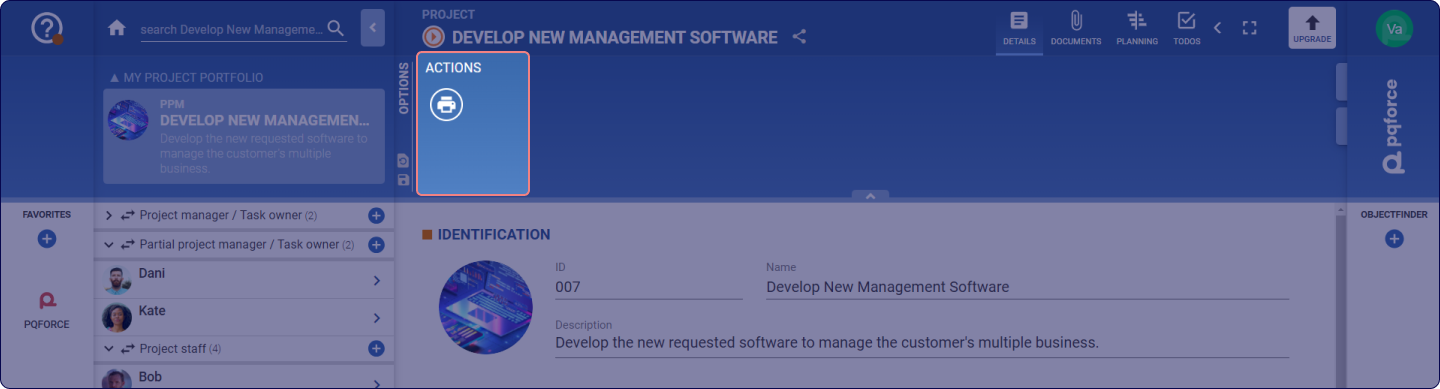
Actions for the active view can be performed here.
- Print: Here you can print the details in the workspace.
- Export: The information from the workspace can be exported as a document.