Login Interface
The login interface facilitates entry into the PQFORCE system.
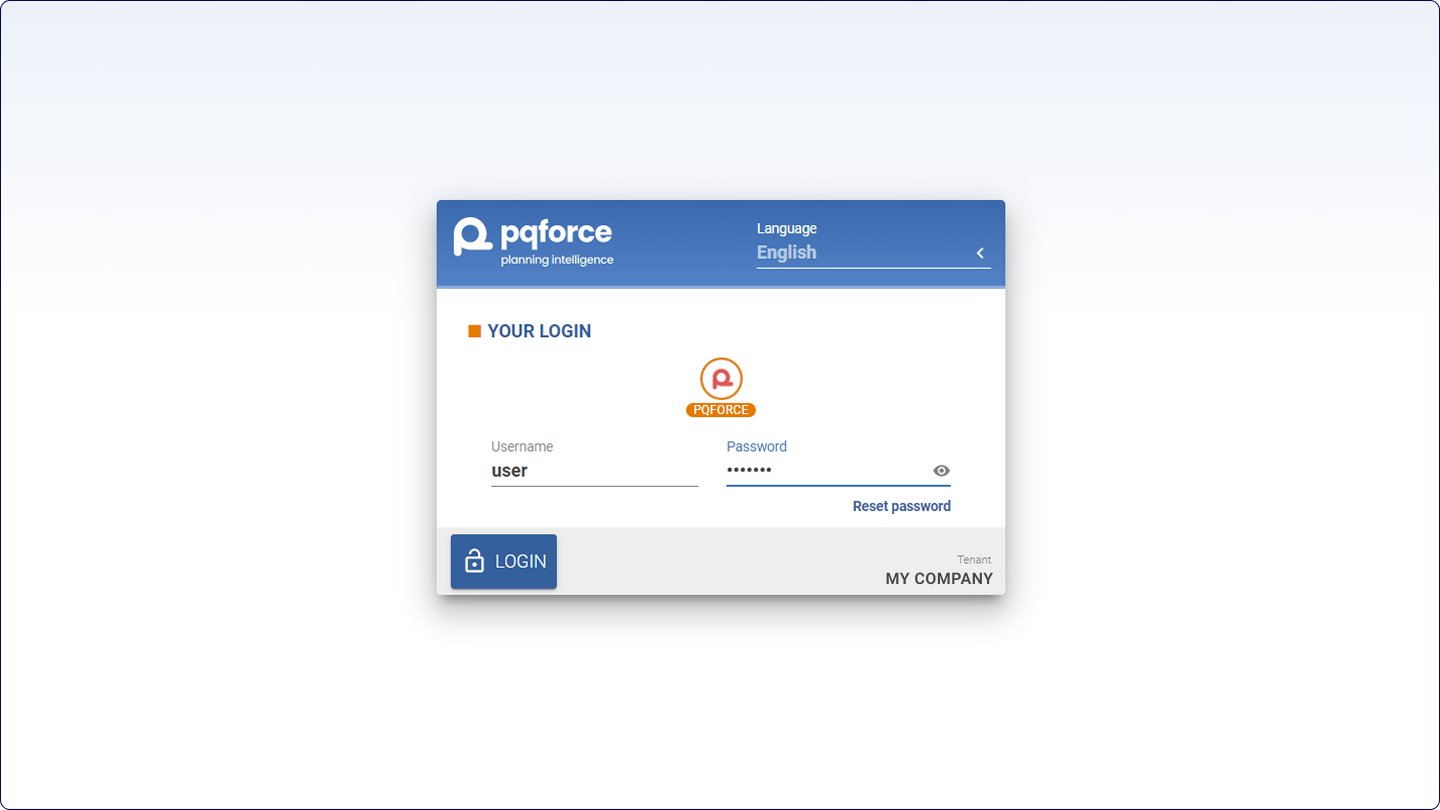
The upper-right corner of the screen presents the option to select the system language.
The functionalities and availability of this section may vary depending on your PQFORCE edition.
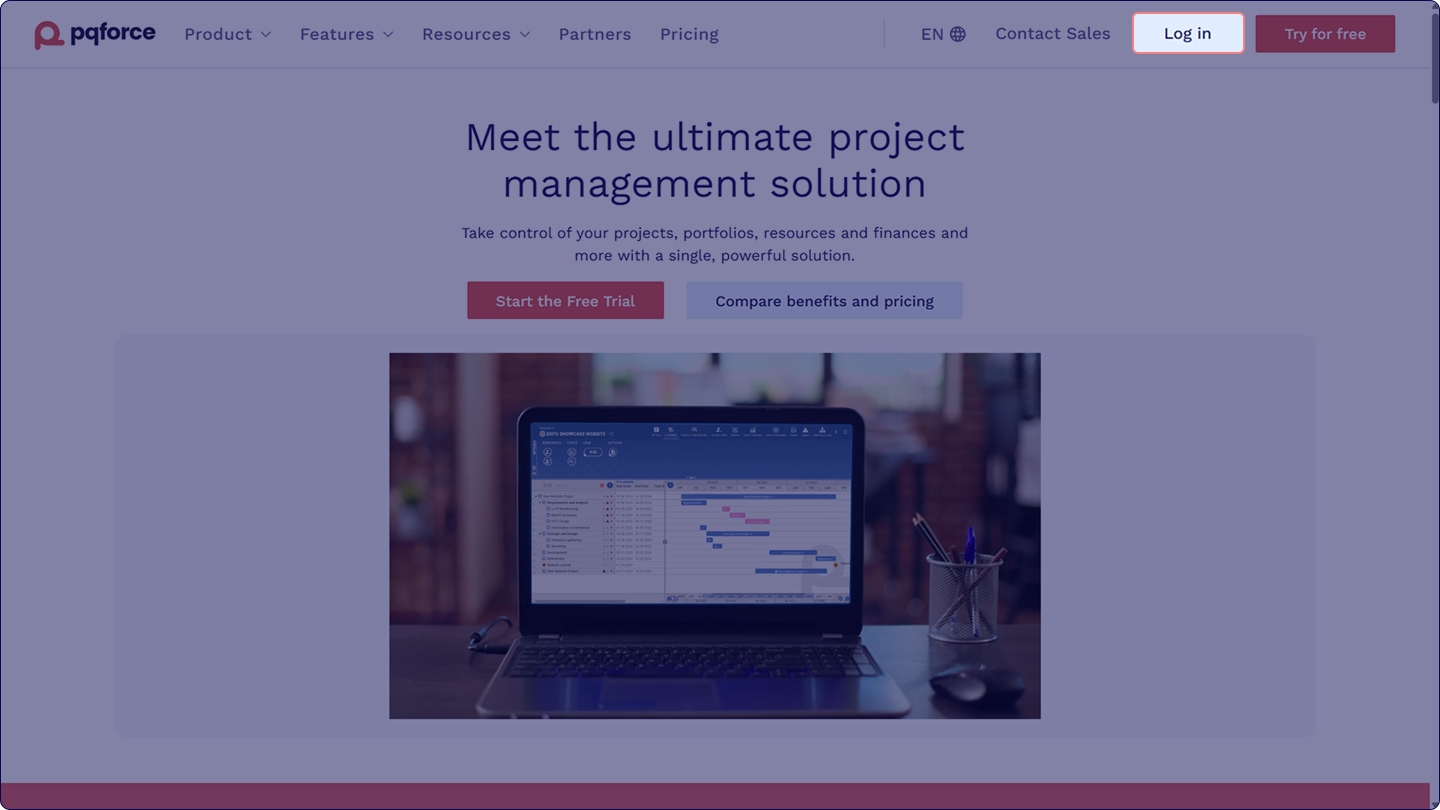
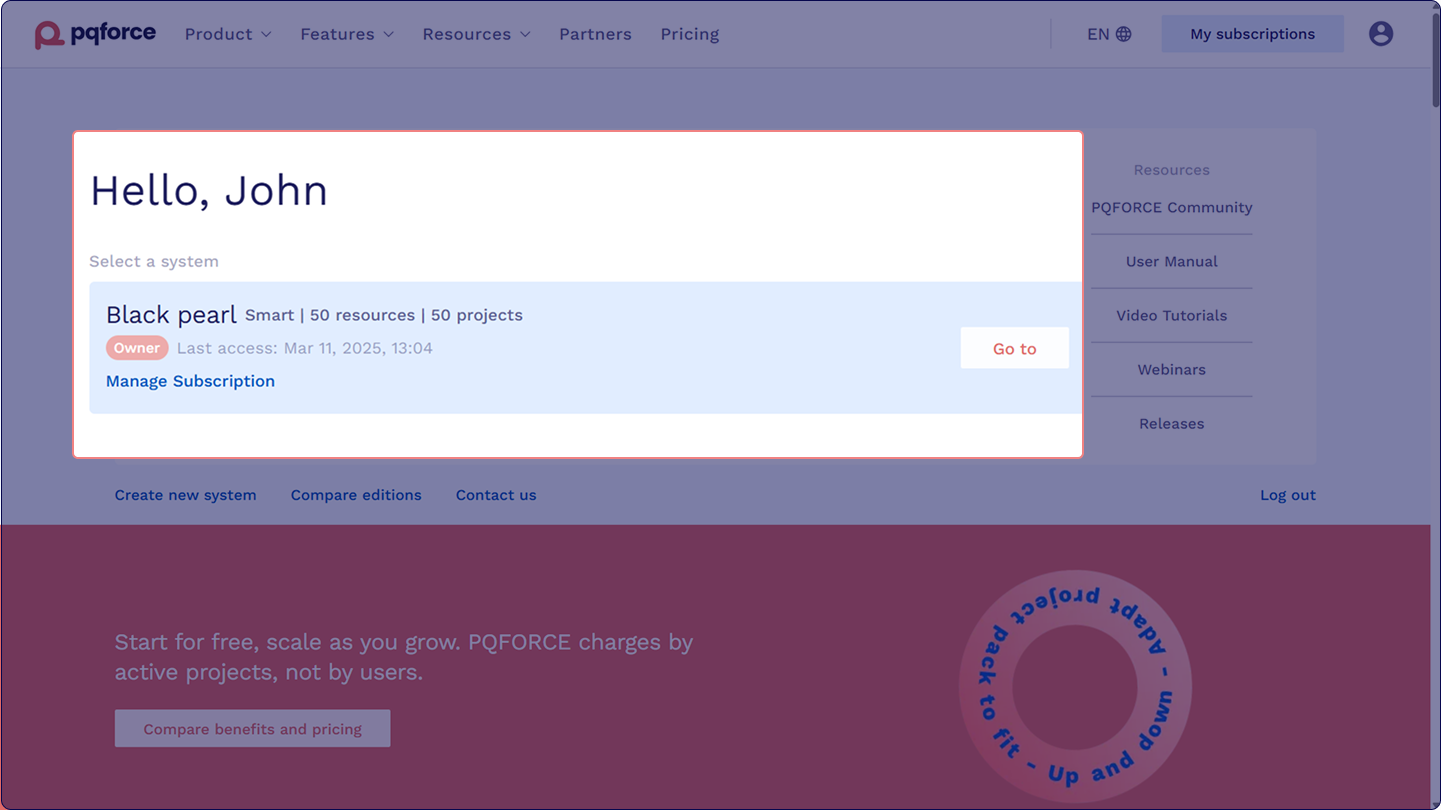
Login credentials are activated via the website interface. The login button, located in the top-right corner of the pqforce.com homepage, provides access to the Homepage Dashboard displaying all available systems.
![]()
Selecting Go to on any system opens the system login interface, where a language can be selected before proceeding to the chosen system.
![]()
Positioned at the screen's centre, this interface offers designated fields for the input of a username and password, which are necessary for accessing the PQFORCE workspace.
![]()
In situations where the password is forgotten, an accessible Reset Password function button can be utilised to initiate the password recovery procedure. Consistent instructions for password resetting and system access will be transmitted via the linked email.