Dashboard

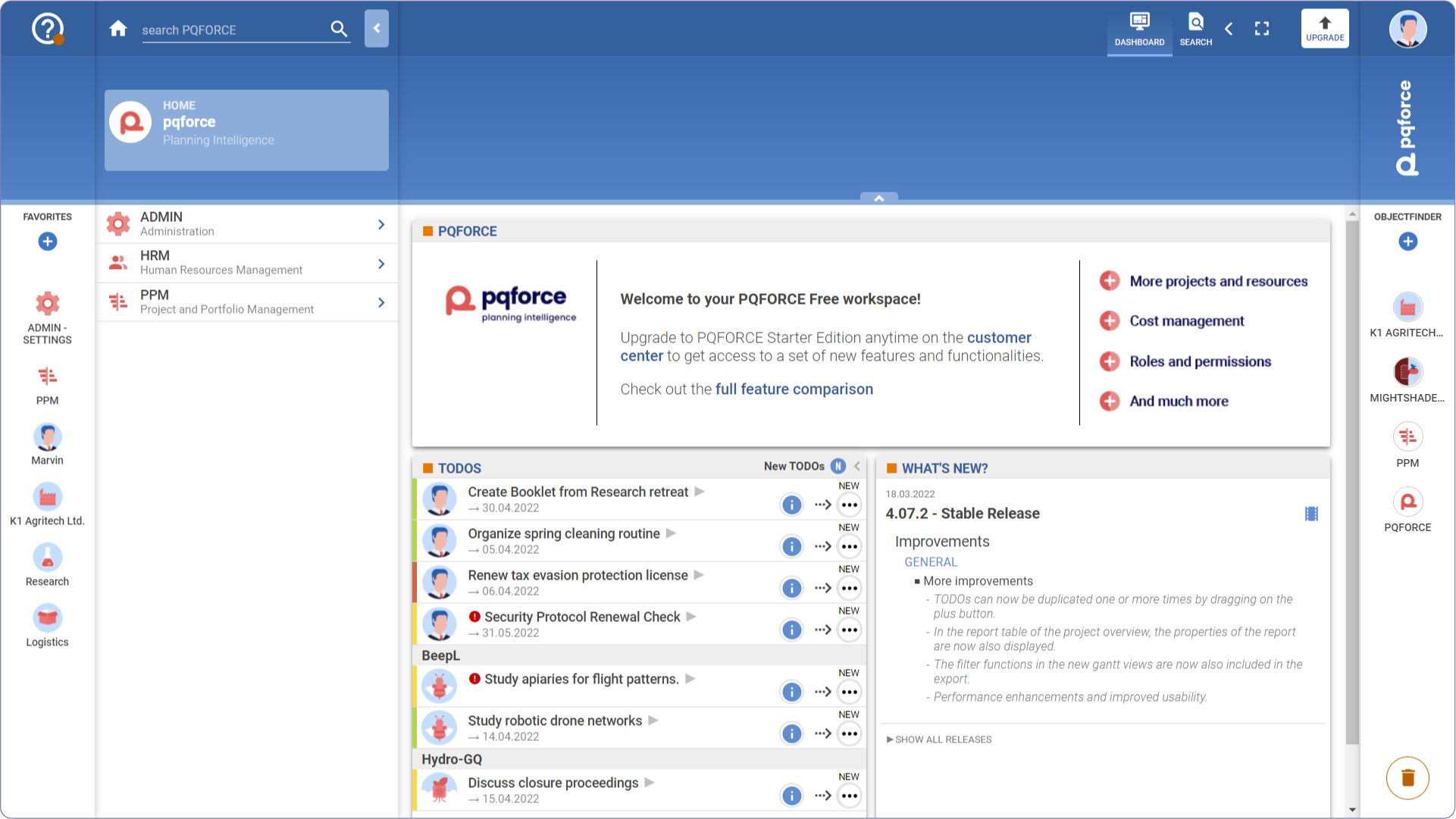
The PQFORCE Dashboard presents several widgets and shortcuts to expedite access to various functional views for performing actions. 

Workspace

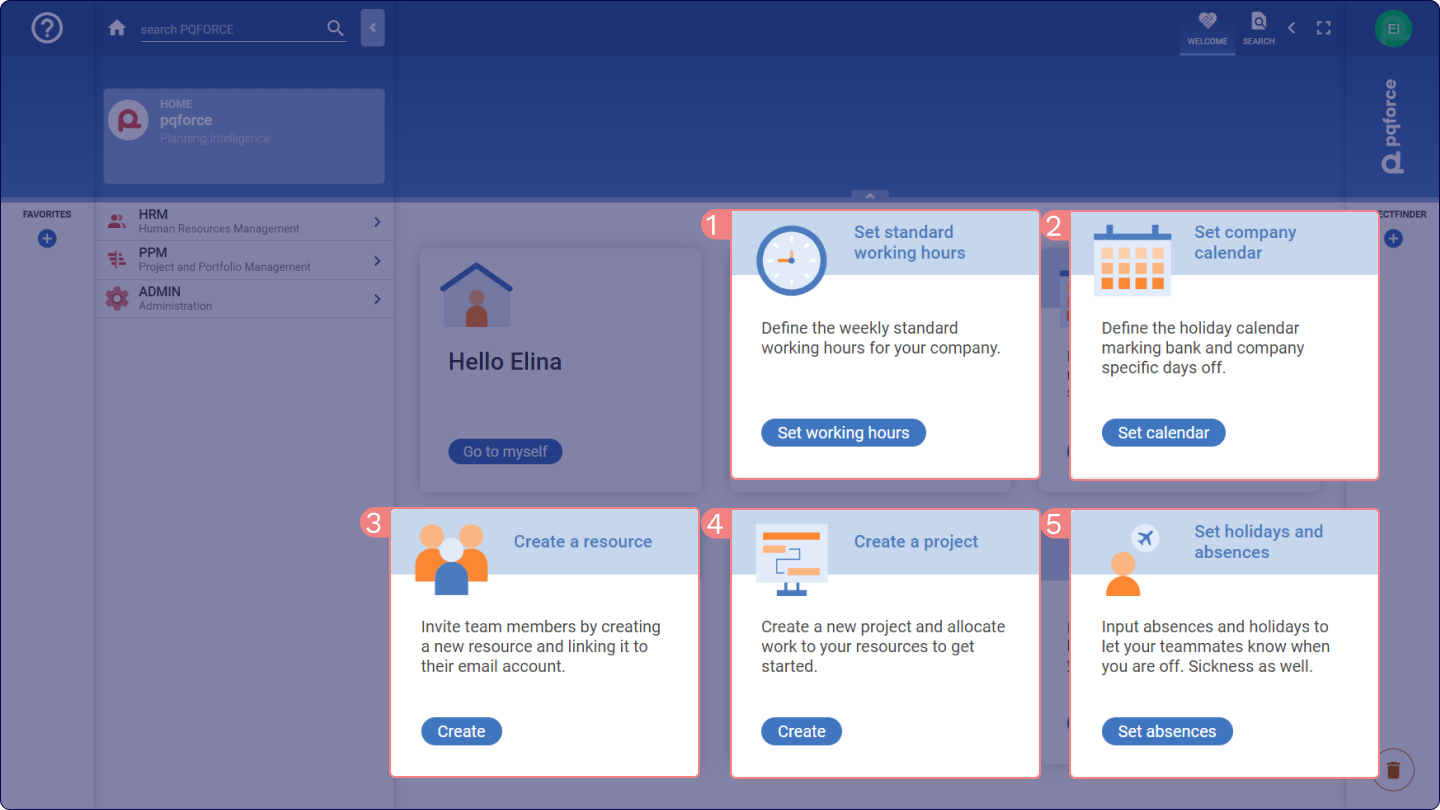
The PQFORCE Smart Edition dashboard displays a set of shortcuts.  

  • Standard Working Hours: Allows swift setup of regular working hours for the company, defining the organisation's typical work hours. 

  • Company Calendar: Facilitates the creation of a comprehensive holiday calendar, incorporating public holidays and specific company off-days, thereby establishing overall availability settings for the company. 

  • Resource Creation: Offers a direct link to creating new human resources for work scheduling. Additionally, users can invite resources by generating logins and adding email accounts within the individual resource profiles. 

  • Project Creation: Provides a quick pathway to create new projects within the system. 

  • Holidays and Absences: Enables efficient entry of planned holidays and absences for the currently logged-in user.

The Dashboard contains real-time information about TODOs and updates in PQFORCE in the form of so-called widgets. These widgets are partially interactive and let the logged-in user interact directly with relevant objects in PQFORCE without having to search for them in the Navigator. 
↑

Notification

Portal tour

A guided tour walks you through the page step by step, highlighting one control at a time and explaining what it does. You can stop at any point and pick up later.