Details
This section is available only for editions higher than PQFORCE Smart.
The detail view contains general information about the active project portfolio and allows managing this information.
Workspace
IDENTIFICATION
In this section, the identification characteristics of the active project portfolio are entered.
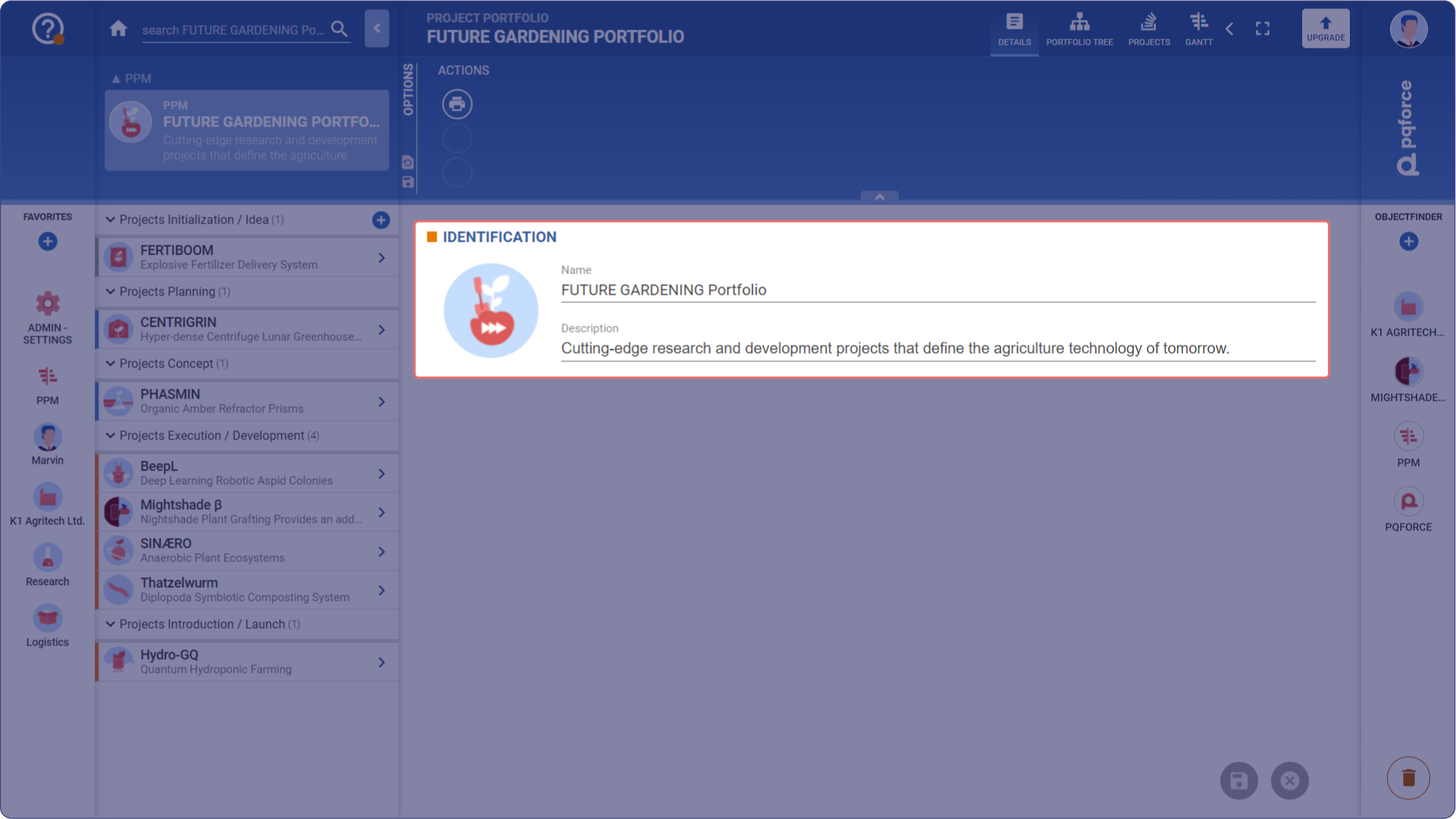
- Image: The image serves as a visual identifier of the project portfolio. An image can simply be dropped here via drag & drop. Alternatively, an image can also be copied and then pasted here by clicking on the circle and then pressing the key combination CTRL+V.
- Name: This is the name of the project portfolio. It is used to distinguish the different project portfolios.
- Description: The description is a rich text field and can be used to enter a detailed description of the project portfolio.
Options area
The following section describes in detail which settings can be made in the options area.

ACTIONS
Actions can be performed here for the active view.
Print: Here you can print the details in the workspace.